Editorial note: this is a research-based assessment of the named model. We have not performed hands-on testing, listening tests or battery benchmarks.
The MacBook Air M2 makes a persuasive case for a simpler laptop. Its appeal lies in a portable design and a quiet working environment, rather than an abundance of ports or an upgrade path. As an older model, it deserves a careful comparison with newer and refurbished alternatives before money changes hands.
Design and daily use
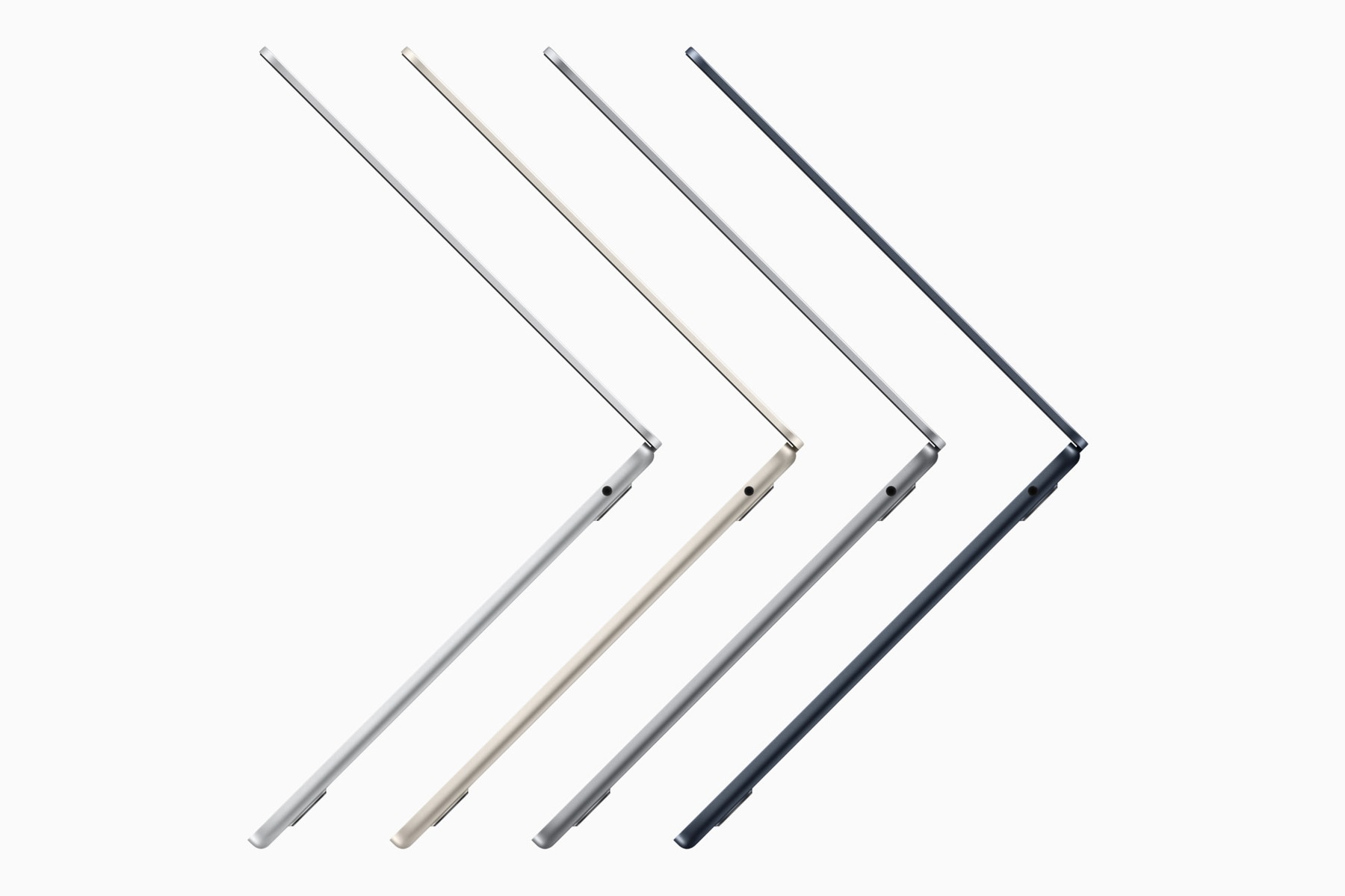
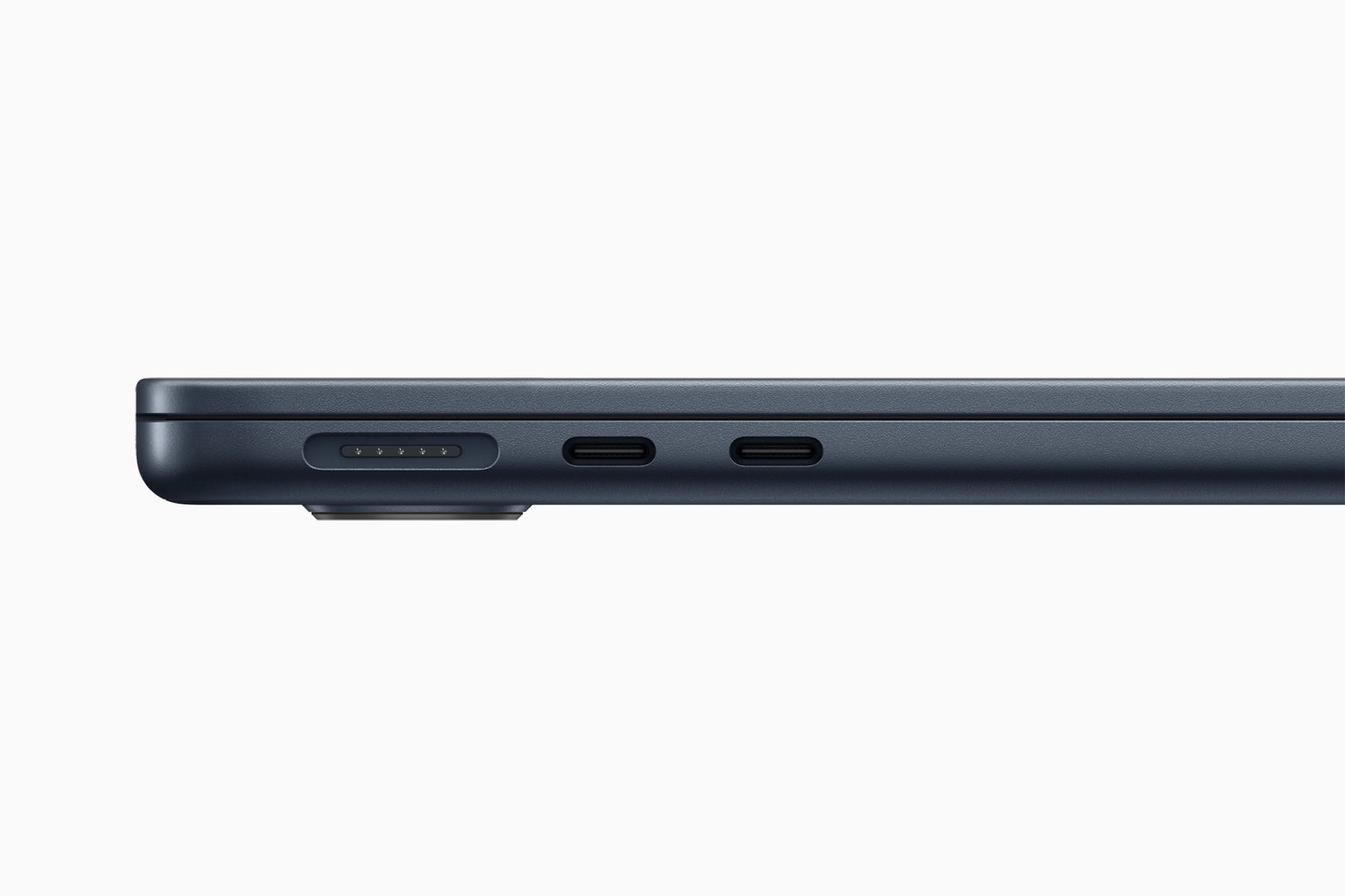
The flat chassis and fanless construction suit a desk that moves between home, a classroom and a café. Silence is a useful design benefit for writing and calls, although it does not tell us how quickly a long render will finish. Apple lists a 13.6-inch display and MagSafe charging. The practical attraction is a compact notebook that can remain plugged into power without consuming one of its two Thunderbolt ports.
Think about the whole working day. If your routine involves a charger, an external drive, a display and a wired accessory, write down which connections must work at the same time. A USB hub can become a permanent part of the purchase, changing both its price and its portability.
Performance expectations
Apple’s M2 platform is designed for general computing and creative applications, but this article does not contain independent benchmarks. Start with your actual software: check operating-system requirements, plug-ins and memory needs before choosing a configuration. A low sticker price is less useful if the computer cannot support the work you intend to do.
Occasional demanding tasks and continuous production are different workloads. If sustained rendering or several external displays define your day, compare supported display setups and cooling designs rather than assuming the Air is the right tool. A quiet laptop and a workstation solve different problems.
Buying an older model
For a used or refurbished unit, condition matters alongside specifications. Ask about battery health, the return period, charger inclusion and any management lock. Check the screen, keyboard and every port within the return window. Choose memory and storage at purchase; do not budget around a future internal upgrade.
Compare the final configured price, not just a headline offer. A newer computer with a longer warranty may be better value when the gap is small. An older unit can still make sense when the total cost is meaningfully lower and the configuration fits your workload.
Pros
- Fanless construction for a silent workspace
- MagSafe charging leaves the data ports available
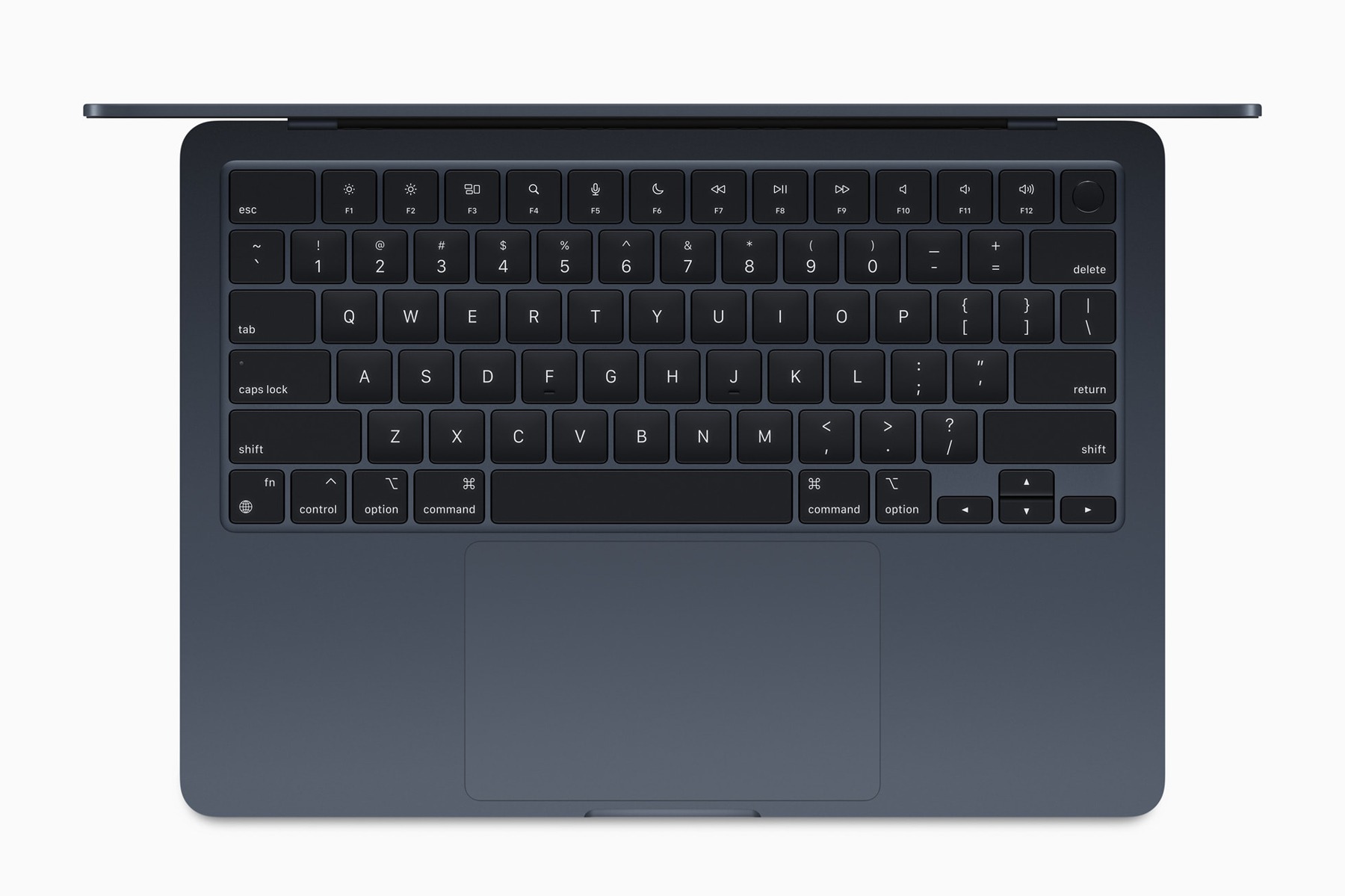
- Portable design for writing and study
Cons
- Limited built-in connectivity
- Memory and storage require advance planning
- Older units need battery and warranty checks
Who should buy it?
Writers, students and home-office users who want a portable Mac and have checked that their software and display requirements fit.
The conclusion
Our take
A thoughtful option for mobile work when configuration, condition and price line up. Choose it for its everyday fit, and compare newer alternatives before treating an older Air as an automatic bargain.
Sources & credits
Model context: manufacturer documentation and launch material. Checked November 18, 2026. Launch information is historical; availability, support and prices may change.
Full image attribution and sources. Images show the named model or relevant accessories; lifestyle and internal views are captioned.