Editorial note: this is a research-based assessment of the named model. We have not performed hands-on testing, listening tests or battery benchmarks.
A Raspberry Pi is more interesting when it has a job. Learning Linux, building a local service and exploring physical computing are clearer reasons to buy one than a vague promise of a cheap desktop. The Pi 5 is a flexible foundation, but a bare board is the beginning of a system, not the whole purchase.
The board and its possibilities
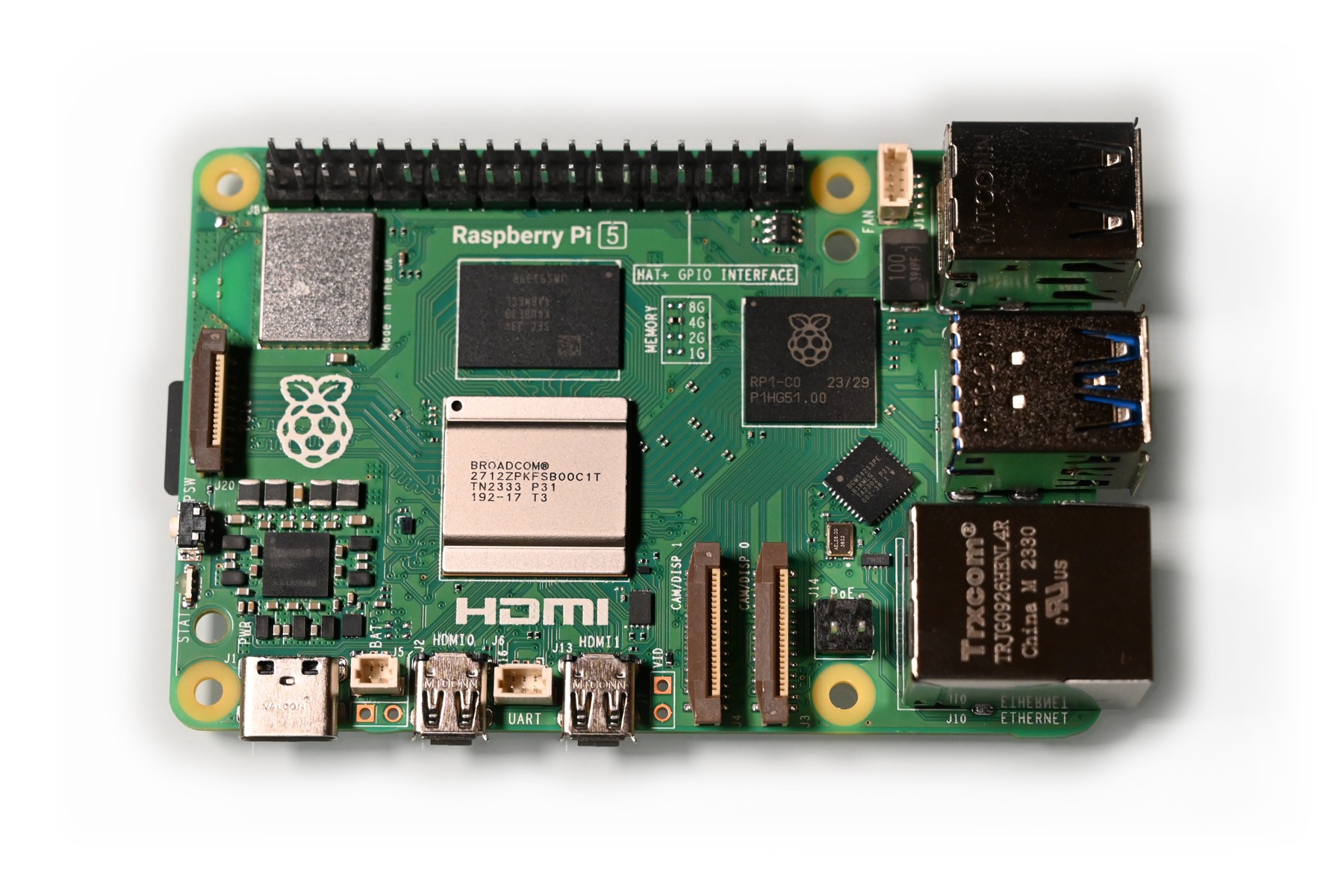
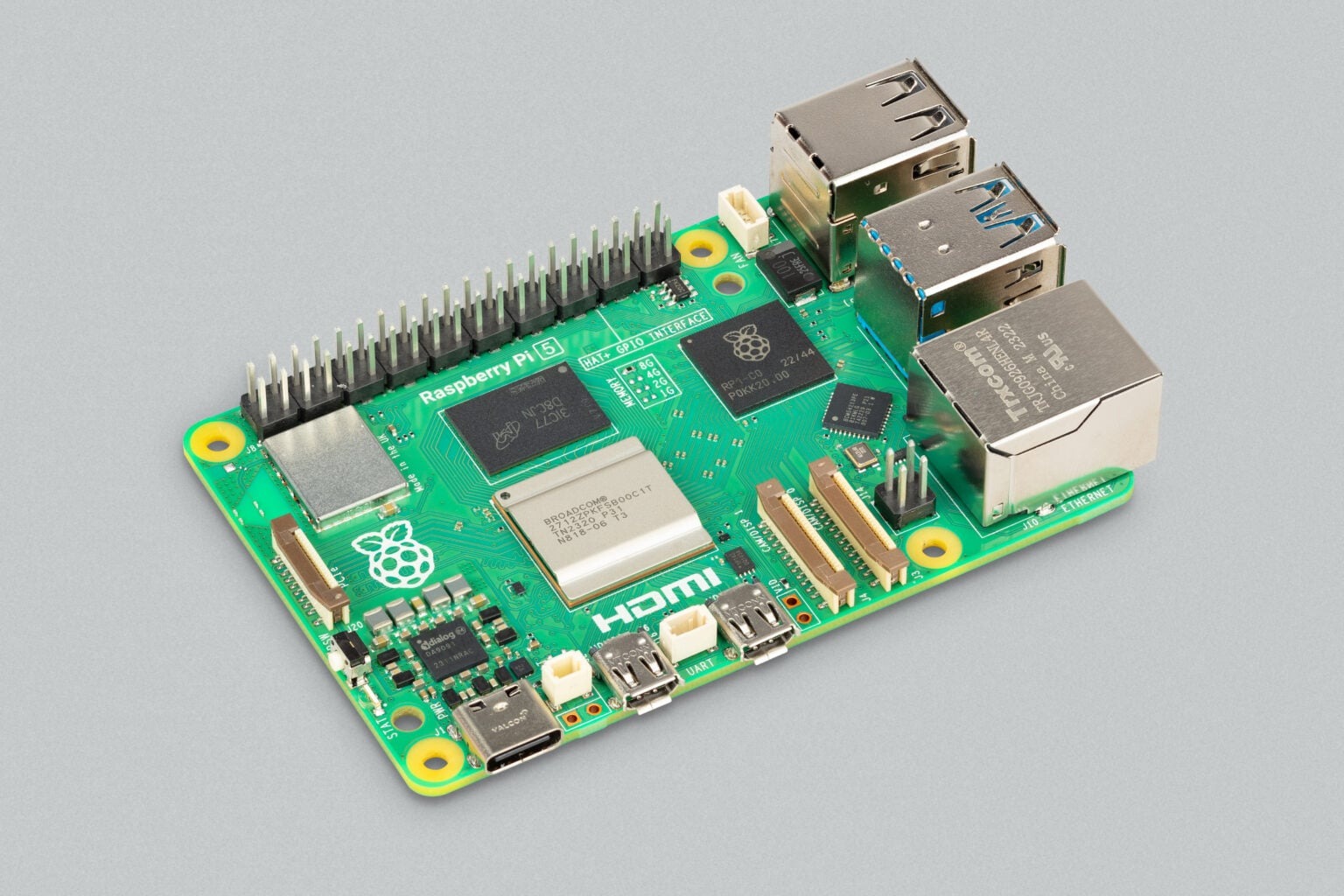
Raspberry Pi documents an Arm Cortex-A76 processor, dual micro-HDMI connections, USB and Gigabit Ethernet. The exposed board makes its connections accessible. That suits experimentation, but placement, protection and cable management are your responsibility. The board itself is not a protected consumer appliance.
Name one project and its requirements before shopping. A local service needs a different storage and reliability plan from a learning desktop. Physical-computing work may need specialist accessories and a suitable enclosure. Buying add-ons before choosing a project can increase cost without increasing usefulness.
Power, cooling and storage
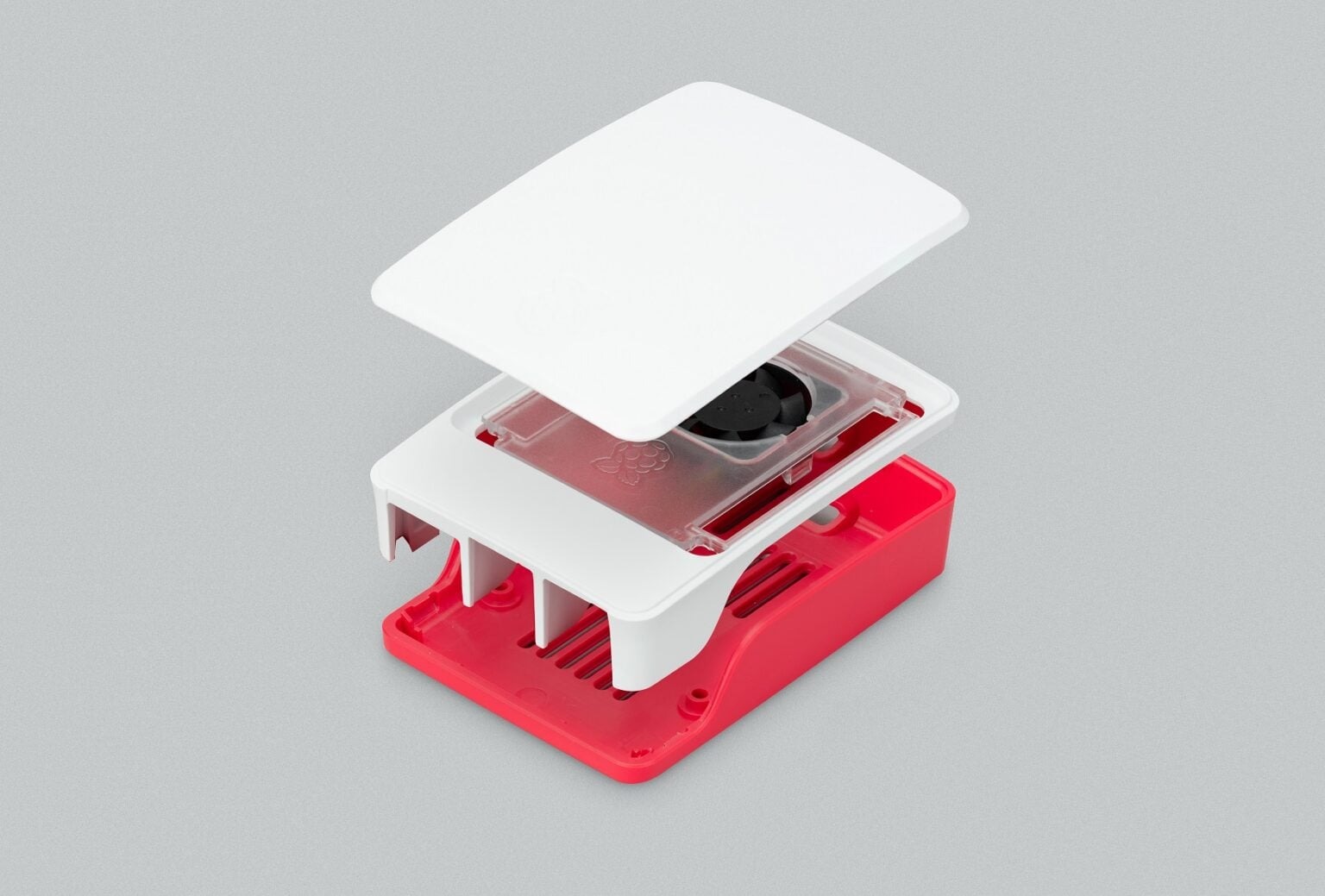
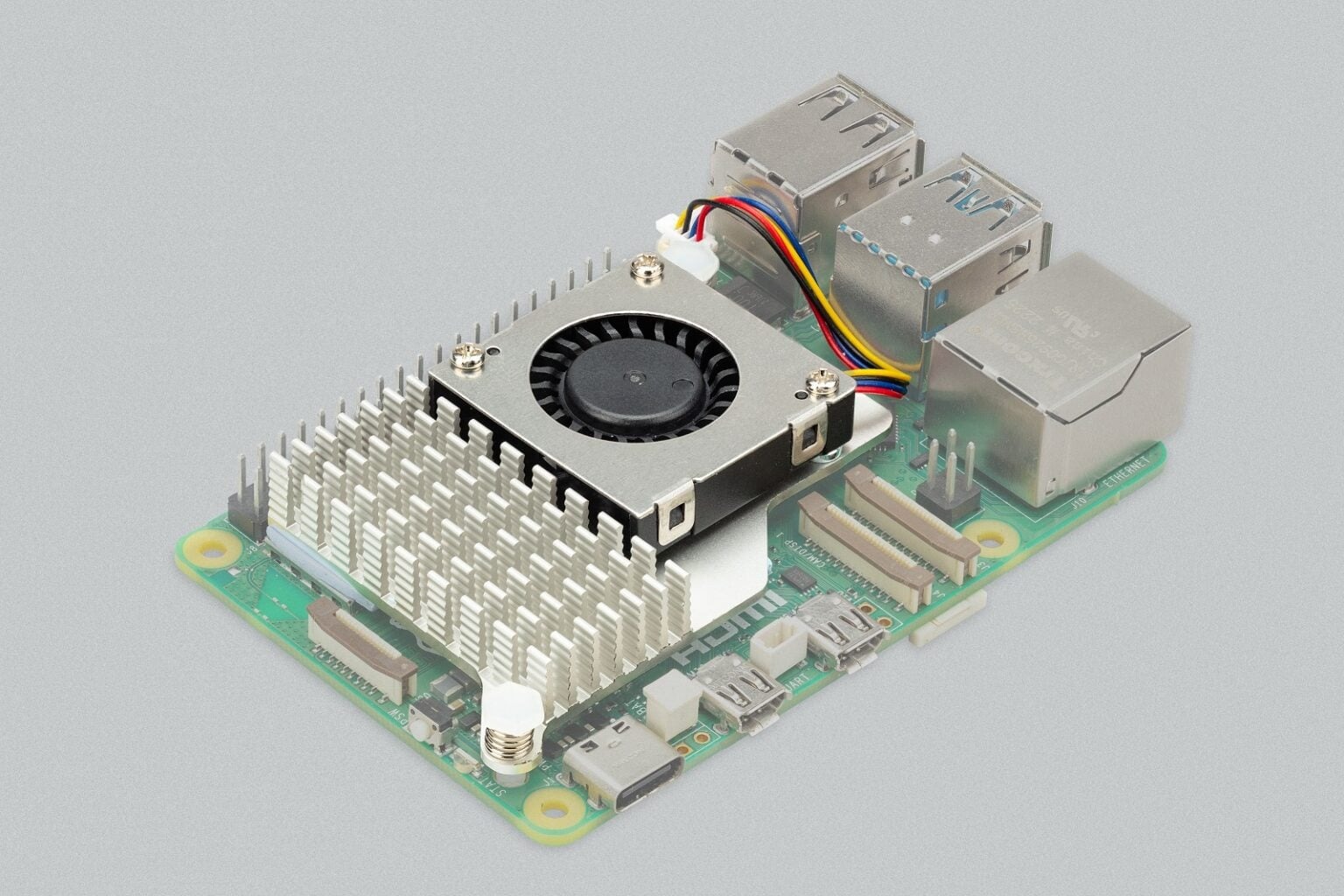
The official guidance recommends a suitable power supply and says active cooling helps under load. Treat both as part of the design. A random phone charger and an unventilated box are a poor foundation for troubleshooting: unstable power or heat can look like a software fault.
Keep configuration notes and backups so that a failed storage card does not erase weeks of learning. If you plan to use a PCIe storage adapter, verify that the board, adapter and case fit together. A theoretical interface list matters less than a system that can actually be assembled.
Choosing a small Linux computer
The Pi 5 suits someone who enjoys documentation, setup and iteration. It is less appropriate for a person who simply wants a ready-to-use office computer. A used desktop may solve that problem with fewer additional purchases and less assembly.
For learning, leave time for the process. Install a supported operating system, record the first working setup and change one thing at a time. Those habits make experimentation less frustrating. They also make it easier to reuse the board when your first project is finished.
Pros
- Accessible board and extensive documentation
- Useful connections for projects
- Flexible software and accessory ecosystem
Cons
- Power, cooling and storage add cost
- Setup requires time and troubleshooting
- A bare board is not a complete desktop
Who should buy it?
Learners, hobbyists and developers with a specific Linux or electronics project and a willingness to configure it.
The conclusion
Our take
A useful project foundation when you budget for the complete system. Choose the workload first, verify accessory compatibility and resist buying hardware the first project does not need.
Sources & credits
Model context: manufacturer documentation and launch material. Checked November 18, 2026. Launch information is historical; availability, support and prices may change.
Full image attribution and sources. Images show the named model or relevant accessories; lifestyle and internal views are captioned.